I Locked Myself Out of Ghost (and the One Flag That Got Me Back In)

I moved this Ghost site from Ghost(Pro) to a self-hosted setup on DigitalOcean Droplet.
The site worked. The admin loaded. I logged in.
Then Ghost stopped me.
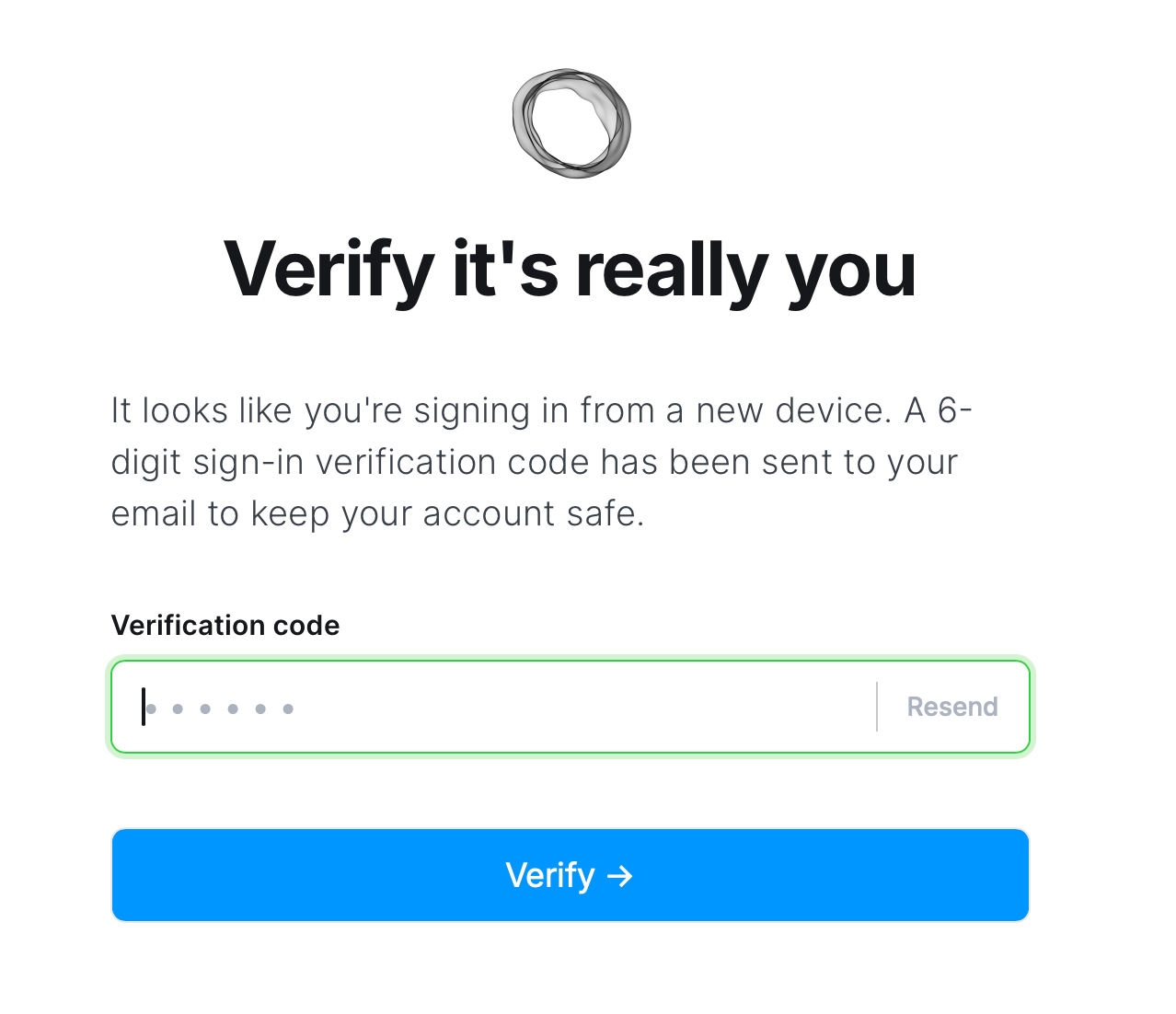
“Verify it’s really you. A 6-digit sign-in verification code has been sent to your email.”
Except that email wasn’t set up yet. So I had a running site I couldn’t access.
What’s actually happening
Ghost has a security feature called staff device verification.
If you:
- move servers
- change domains
- or log in from a new browser
Ghost treats it as a new device and requires a one-time email code.
On Ghost(Pro), this is invisible.
On a fresh self-hosted install, it’s a lockout.
This has nothing to do with Members.
It’s admin security, and it assumes email works.
The escape hatch
There’s a single config flag that disables this check.
It’s not in the UI. But it exists.
Open:
/var/www/ghost/config.production.json
Add or update:
"security": {
  "staffDeviceVerification": false
}
Restart Ghost (via systemd if needed):
sudo systemctl restart ghost_<your-site-name>
Then log in at:
https://yourdomain.com/ghost
No email. No code. You’re in.
What to do next
Don’t leave this off.
Once you’re back in:
- Set up email (Mailgun, Postmark, SendGrid, etc.)
- Turn verification back on
- Restart Ghost again
"security": {
  "staffDeviceVerification": true
}
The real lesson (for future me)
Ghost depends on email earlier than you think.
If you’re self-hosting, set up email before moving servers or domains.
And if you forget, now you know the one flag that gets you back in.